
How Many Security Cameras Do I Need?
How Many Security Cameras Do I Need?
One of the biggest misconceptions about surveillance is that every corner of a building needs a camera. It also leads to thousands of dollars of unnecessary equipment—and often leaves the most important areas completely uncovered.
Stop Counting Corners. Start Protecting Property.
One of the biggest misconceptions about surveillance is that every corner of a building needs a camera.
It sounds logical.
It also leads to thousands of dollars of unnecessary equipment—and often leaves the most important areas completely uncovered.
At SecureView, we don’t begin by asking:
“How many cameras do you want?”
Instead, we ask:
“What are you trying to protect?”
That question changes everything.
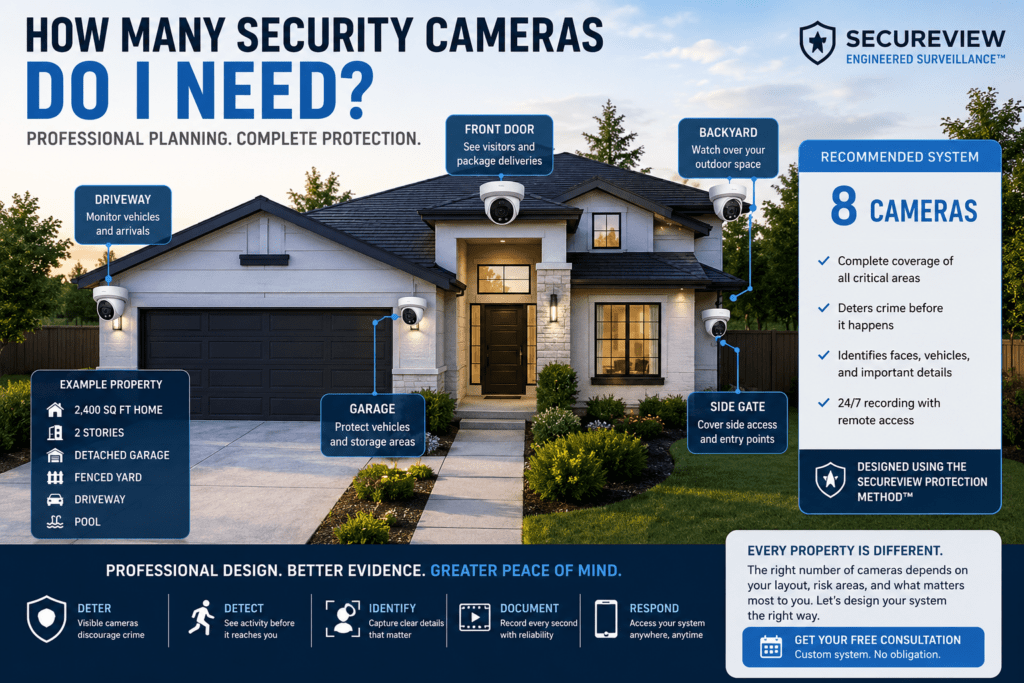
Using the SecureView Protection Method™, we design systems around movement, risk, and evidence—not simply around the shape of a building.
The Biggest Mistake Homeowners Make
Imagine a rectangular home.
Many installers immediately place one camera on each corner.
Looks professional.
Unfortunately…
People don’t usually enter through corners.
They enter through:
- Front Doors
- Garages
- Side Gates
- Driveways
- Backyards
- Sliding Glass Doors
- Walkways
That’s where cameras belong.
SecureView Field Note™
We’ve replaced many systems where twelve cameras produced less useful evidence than eight professionally planned cameras.
More cameras don’t automatically equal better security.
Better design does.
Step One: Identify Your Critical Assets
Before thinking about cameras, list what matters most.
Examples include:
Residential
- Family
- Vehicles
- Packages
- Garage
- Pool
- Backyard
- Storage Shed
- RV
- Boat
Commercial
- Inventory
- Employees
- Customers
- Cash Registers
- Parking Lots
- Loading Docks
- Equipment
- Data Rooms
- Service Vehicles
Every camera should exist for a reason.
Step Two: Count Entry Points
A professional design begins by identifying every way someone can access your property.
Typical residential entry points include:
- Front Door
- Garage Door
- Side Gate
- Rear Gate
- Sliding Glass Door
- Backyard
- Driveway
Commercial properties may also include:
- Employee Entrance
- Delivery Entrance
- Loading Dock
- Warehouse Doors
- Parking Lot Access
- Dumpster Area
- Emergency Exits
These locations deserve priority before monitoring decorative landscaping or open grass.
Step Three: Think Like a Criminal
This exercise surprises many homeowners.
Walk outside.
Pretend you’re trying to enter your own property without being seen.
Ask yourself:
- Where would you hide?
- Which route would you take?
- Which fence blocks the neighbor’s view?
- Which side of the house is darkest?
Those answers usually reveal exactly where cameras belong.
Typical Camera Recommendations
Small Home (1,000–1,800 sq ft)
Recommended:
4–6 Cameras
Suggested coverage:
- Front Door
- Driveway
- Backyard
- Garage
- Side Gate
- Patio (optional)
Medium Home (1,800–3,000 sq ft)
Recommended:
6–8 Cameras
Additional coverage:
- Pool
- Rear Entry
- Detached Garage
- Additional Side Yard
Large Home (3,000+ sq ft)
Recommended:
8–16 Cameras
Including:
- Multiple Driveways
- Detached Buildings
- Outdoor Living Areas
- Pool Equipment
- Guest House
- Boat Storage
Small Office
Recommended:
6–10 Cameras
Retail Store
Recommended:
8–16 Cameras
Restaurant
Recommended:
10–16 Cameras
Warehouse
Recommended:
12–32 Cameras
Apartment Community
Recommended:
16–64+ Cameras
Bigger Isn’t Always Better
Many people assume every area needs overlapping cameras.
Professional designers know something different.
A properly placed 4K camera often replaces two or three poorly positioned cameras.
Our goal isn’t maximizing camera count.
Our goal is maximizing useful evidence.
The SecureView Camera Planning Checklist™
Before adding another camera, ask:
✅ Does this camera protect an important asset?
✅ Does it eliminate a blind spot?
✅ Does it improve facial identification?
✅ Does it improve vehicle identification?
✅ Does it overlap another important angle?
✅ Will it provide useful evidence?
If the answer is “no” to every question…
You probably don’t need that camera.
Why We Design Before We Sell
Some companies sell camera packages.
We engineer surveillance systems.
Every property is different.
A four-camera system may perfectly protect one home while another home requires ten strategically placed cameras because of multiple entrances, detached structures, or unusual lot layouts.
The right solution isn’t determined by the size of your house alone—it’s determined by your security goals.
SecureView Recommends
For most homeowners, we recommend starting with a 4K PoE system that leaves room for future expansion.
It’s much easier to add cameras to an existing professionally designed system than to replace an undersized recorder later.
When choosing a recorder, think ahead. Buying an 8-channel or 16-channel NVR today can save time and money if your security needs grow.
👉 Browse our expandable 4K security camera systems designed for homes and businesses of every size.
Recommended products
-
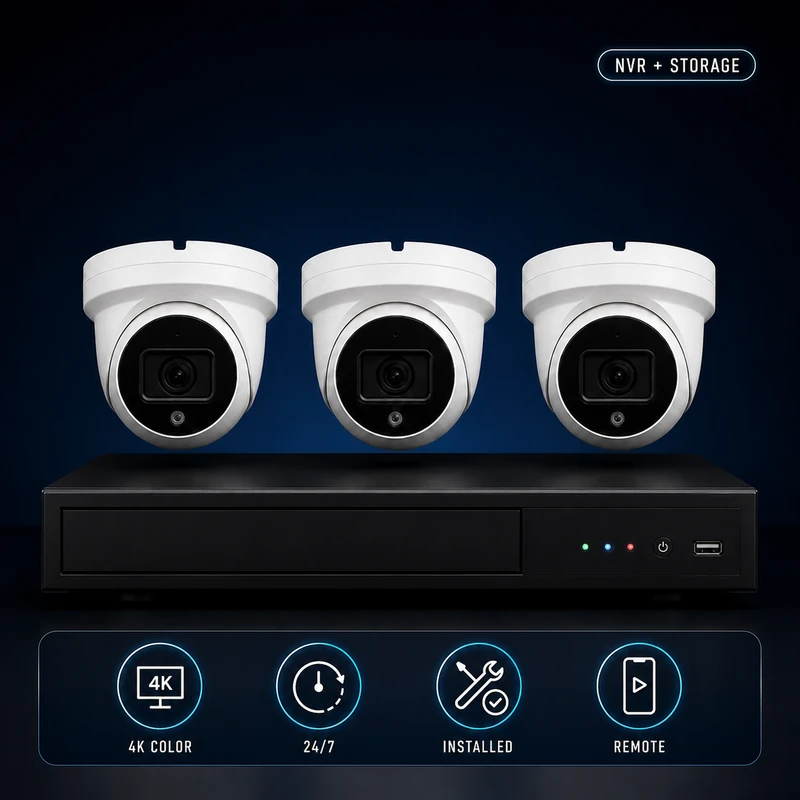
(3) 4k Camera Security System Bundle – Complete Installation & Remote Viewing Setup
$1,450.00$1,737.95 -
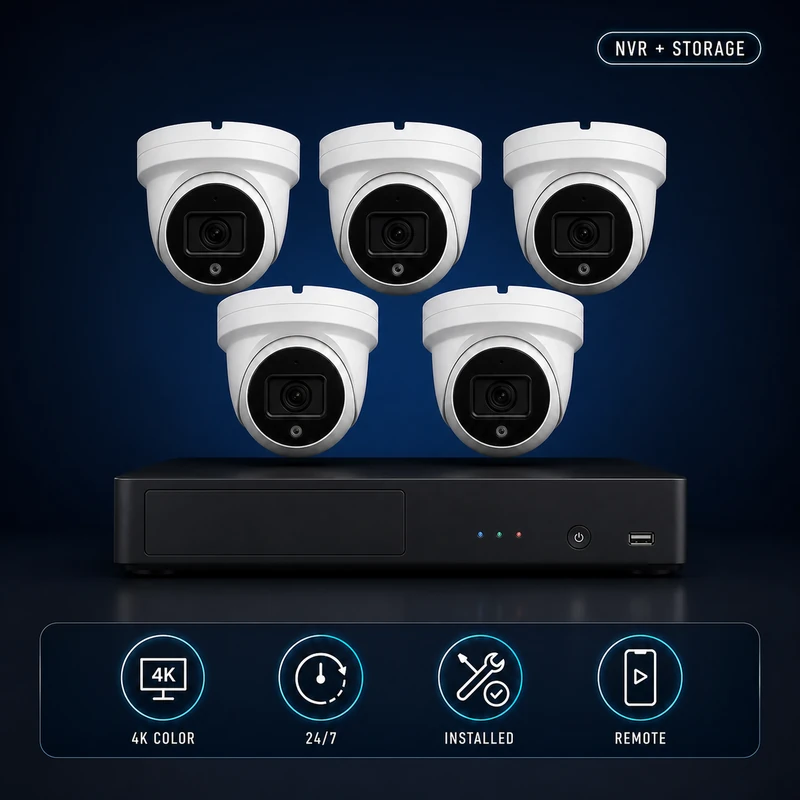
(5) 4k Security Cameras + PRO Installation Bundle
$1,900.00$2,426.93 -
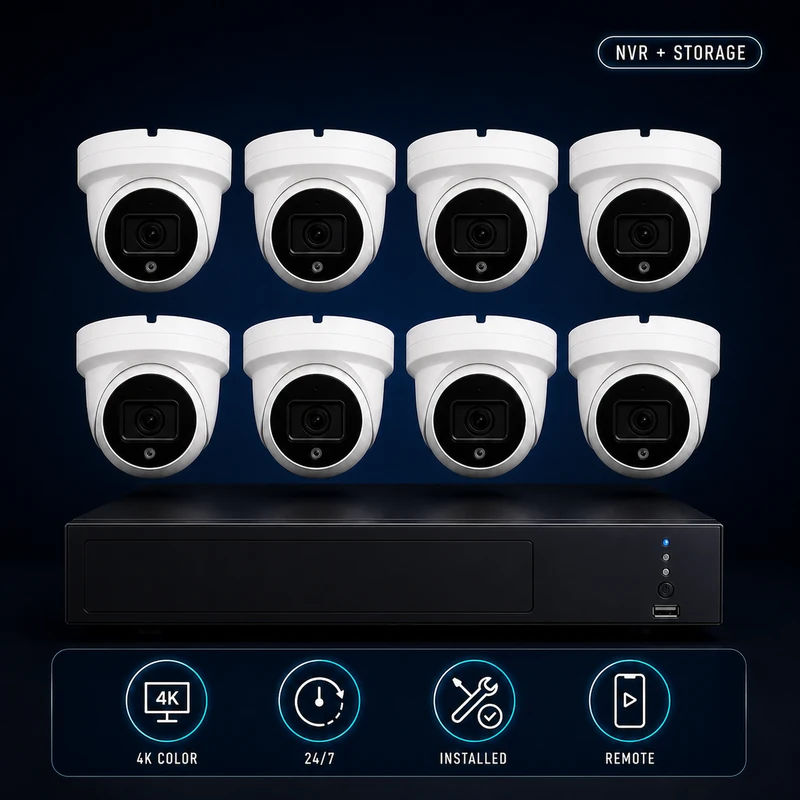
(8) 4k Camera Security System Bundle – Complete Installation & Remote Viewing Setup
$2,712.00$3,527.90 -
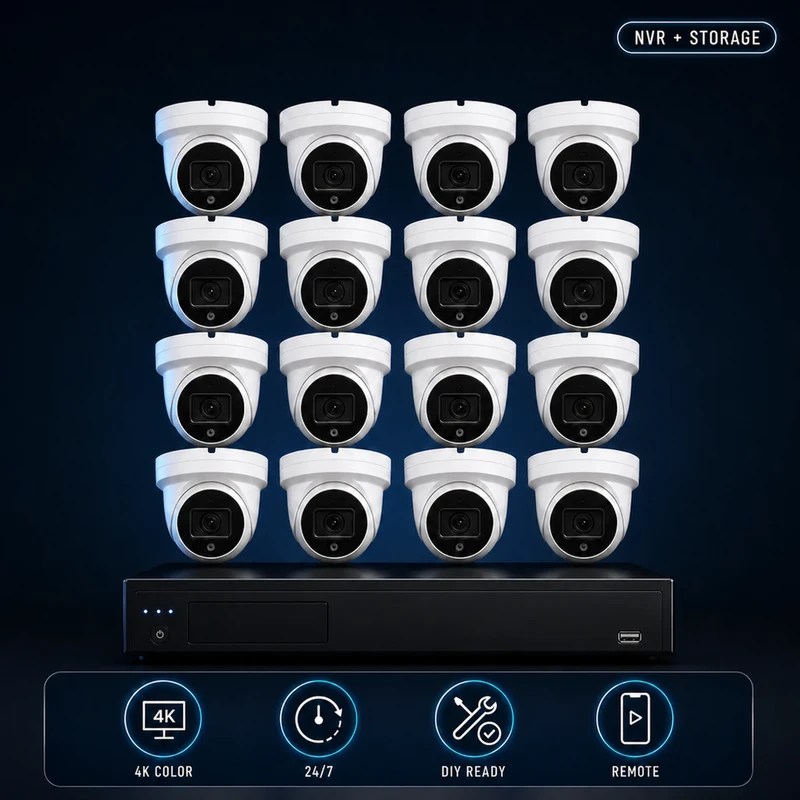
SecureView Standard™ 16 Camera Security System
$3,341.00$5,809.67
Frequently Asked Questions
Is four cameras enough?
For many smaller homes, yes. A well-designed four-camera system covering the front door, driveway, backyard, and garage provides excellent foundational coverage.
Is eight cameras too many?
Not necessarily. Larger homes, corner lots, pools, detached garages, and multiple access points often justify additional cameras.
Can I add cameras later?
Yes. Choosing an expandable NVR allows you to add cameras as your needs change.
Should every corner of my house have a camera?
Usually not. Cameras should be positioned to monitor people and vehicles—not just the corners of the structure.
Final Thoughts
The right number of security cameras isn’t determined by square footage alone. It’s determined by what you want to protect, how people approach your property, and where useful evidence can be captured. By focusing on entrances, critical assets, and movement patterns rather than simply covering corners, you can build a smarter, more effective surveillance system that provides real protection without unnecessary expense.
Interactive planning check
Get a practical starting camera range
Count the views that require their own evidence goal—not just the corners of the building.