
Best Security Cameras for Small Businesses (2026 Complete Buyer’s Guide)
Best Security Cameras for Small Businesses (2026 Complete Buyer’s Guide)
Running a small business means protecting more than just a building. You’re protecting your inventory, equipment, employees, customers, and years of hard work. Whether you own a retail store, restaurant, warehouse, office, medical practice, auto repair shop, church, apartment complex, or service business, investing in the best security cameras for your small…
Why Every Small Business Needs a Professional Security Camera System
Running a small business means protecting more than just a building. You’re protecting your inventory, equipment, employees, customers, and years of hard work.
Whether you own a retail store, restaurant, warehouse, office, medical practice, auto repair shop, church, apartment complex, or service business, investing in the best security cameras for your small business is one of the smartest decisions you can make.
Modern commercial surveillance systems don’t just record crime—they help prevent it, improve accountability, reduce liability, and provide valuable evidence when incidents occur.
In this guide, we’ll explain what separates professional business security cameras from consumer-grade systems and how to choose a surveillance solution that will continue protecting your investment for years to come.
Why Consumer Cameras Usually Fall Short
Many business owners begin with inexpensive wireless cameras purchased online or from a local electronics store.
While these systems can work for basic monitoring, they often become frustrating as a business grows.
Common limitations include:
- Limited recording history
- Battery maintenance
- Cloud subscription fees
- Weak Wi-Fi coverage
- Inconsistent notifications
- Limited expansion
- Lower image quality
- Motion-only recording
For businesses that rely on security every day, these compromises can become costly.
What Makes a Great Small Business Security Camera System?
1. 4K Resolution
Image quality matters.
A true 4K (8MP) security camera captures far more detail than older 1080P systems.
That additional detail can make the difference between recognizing a face and seeing only a blurry figure.
High-resolution video also improves:
- License plate recognition
- Cash register monitoring
- Employee accountability
- Customer identification
- Inventory protection
2. Power over Ethernet (PoE)
Professional installers overwhelmingly recommend PoE security cameras for commercial properties.
Advantages include:
- One cable provides power and data
- Stable wired connection
- No batteries
- No Wi-Fi interference
- Reliable 24/7 operation
- Easier future expansion
Most commercial surveillance systems installed today rely on PoE technology because it delivers dependable performance year after year.
3. Continuous Recording
Businesses don’t only need footage when motion is detected.
Many important events begin before motion alerts activate.
Continuous recording allows owners to review:
- Employee activity
- Deliveries
- Customer disputes
- Parking lot incidents
- Theft investigations
- Slip-and-fall claims
- Property damage
Having a complete timeline often proves invaluable.
4. Built-In Audio
Video tells part of the story.
Audio often explains the rest.
Many professional cameras include integrated microphones capable of recording conversations and surrounding sounds where permitted by law.
This additional context can assist during investigations and dispute resolution.
Always comply with your local audio recording regulations.
5. Remote Viewing
Business owners can’t always be on-site.
Modern surveillance systems allow secure access from:
- Smartphones
- Tablets
- Desktop computers
- Laptops
Whether you’re traveling or managing multiple locations, remote viewing lets you stay connected to your business at any time.
Where Should Business Cameras Be Installed?
Every property is different, but these are the areas that usually provide the greatest value.
Entrances
Capture everyone entering and leaving the building.
Cash Registers
Monitor transactions and reduce internal theft.
Parking Lots
Document vehicle activity and improve customer safety.
Loading Docks
Protect deliveries and shipments.
Warehouses
Monitor inventory movement and employee safety.
Offices
Protect sensitive equipment and restricted areas.
Hallways
Track movement throughout the building.
Exterior Doors
Reduce unauthorized access after business hours.
Choosing the Right Number of Cameras
Small businesses often ask how many cameras they actually need.
While every property is unique, here’s a general starting point:
| Business Type | Typical Camera Count |
|---|---|
| Small Office | 4–8 Cameras |
| Retail Store | 8–16 Cameras |
| Restaurant | 8–16 Cameras |
| Warehouse | 12–32 Cameras |
| Medical Office | 8–16 Cameras |
| Apartment Office | 8–24 Cameras |
| Auto Repair Shop | 8–20 Cameras |
| Church | 12–32 Cameras |
A professional site assessment can help determine the best camera placement for complete coverage.
Industries That Benefit Most
Professional surveillance systems are ideal for:
- Retail stores
- Restaurants
- Coffee shops
- Medical offices
- Dental offices
- Veterinary clinics
- Warehouses
- Churches
- Apartment communities
- Manufacturing facilities
- Construction companies
- Auto dealerships
- Self-storage facilities
- Property management companies
- Professional offices
Why Professional Systems Save Money
Many business owners focus on the initial purchase price.
The more important number is the total cost of ownership.
Professional systems typically eliminate:
- Monthly cloud storage fees
- Battery replacements
- Frequent equipment upgrades
- Lost footage
- Downtime caused by unstable Wi-Fi
A quality surveillance system often pays for itself by reducing theft, discouraging vandalism, lowering insurance claims, and improving operational oversight.
Our Recommendation
At SecureView, we’ve installed commercial surveillance systems for warehouses, restaurants, retail stores, apartment communities, churches, offices, medical facilities, and industrial properties throughout the Tampa Bay area.
Based on that experience, we recommend commercial-grade systems that include:
- 4K (8MP) IP cameras
- Power over Ethernet (PoE)
- Built-in audio
- Color night vision
- Continuous 24/7 recording
- Expandable Network Video Recorder (NVR)
- Surveillance-grade hard drives
- Secure remote viewing
These features provide the reliability and flexibility that growing businesses need.
👉 Browse our complete commercial security camera systems to explore scalable packages for businesses of every size.
Recommended products
-
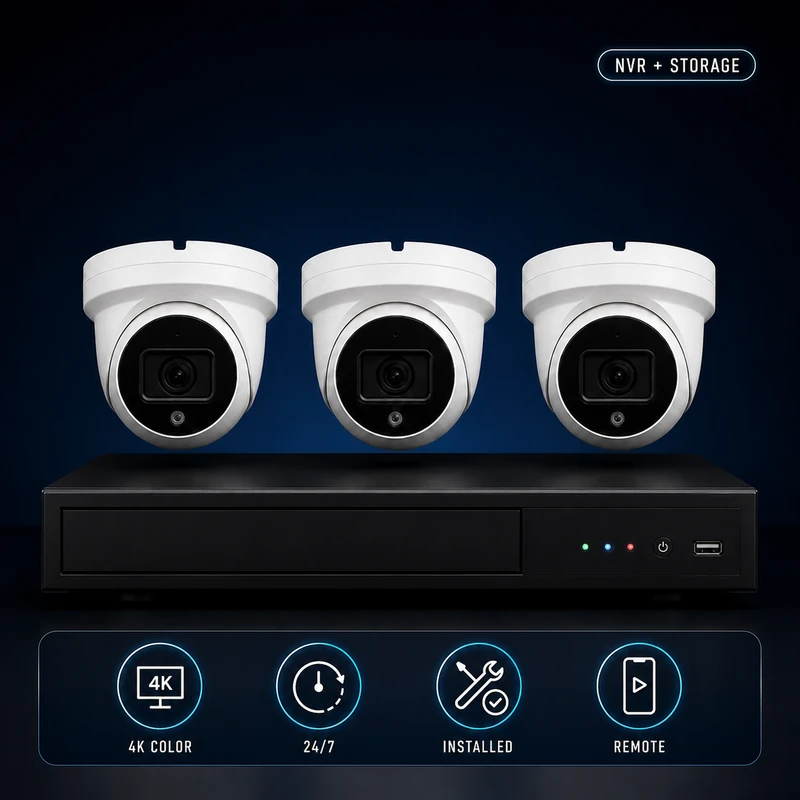
(3) 4k Camera Security System Bundle – Complete Installation & Remote Viewing Setup
$1,300.00$1,607.95 -
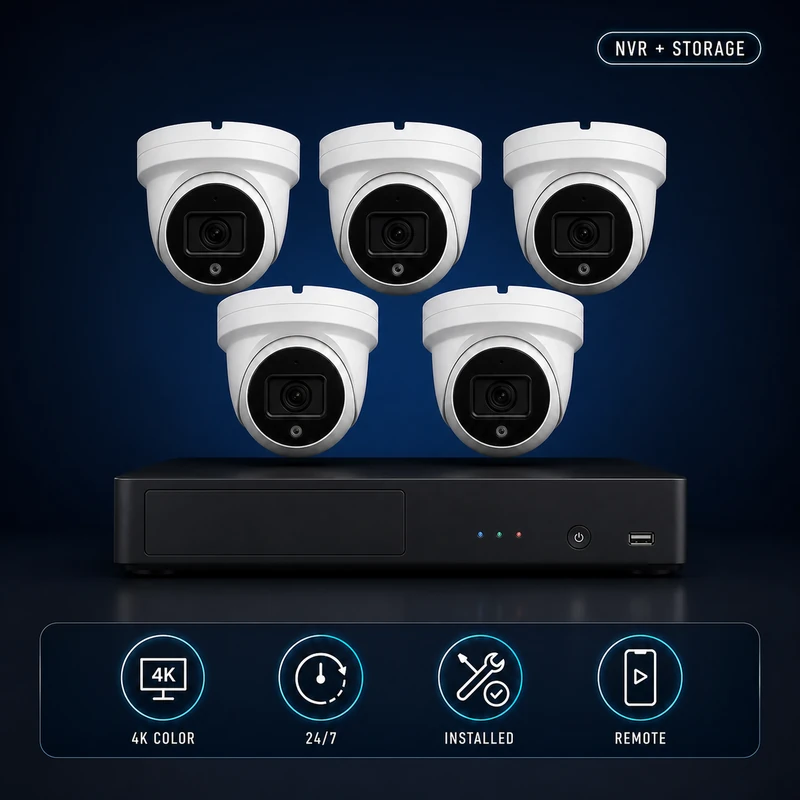
(5) 4k Security Cameras + PRO Installation Bundle
$1,750.00$2,296.93 -
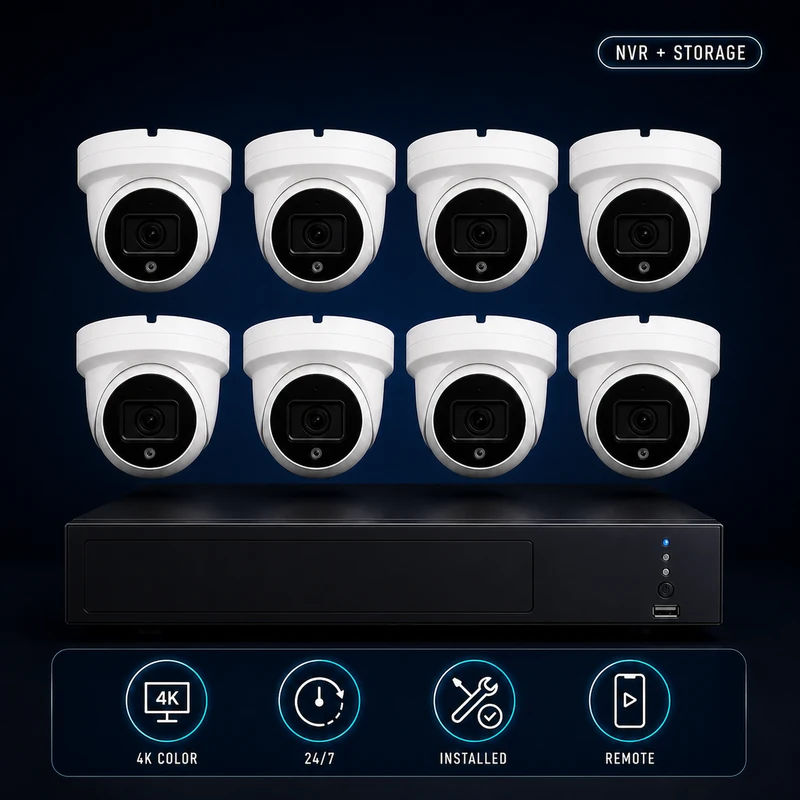
(8) 4k Security Cameras + PRO Installation Bundle
$2,450.00$3,265.90 -
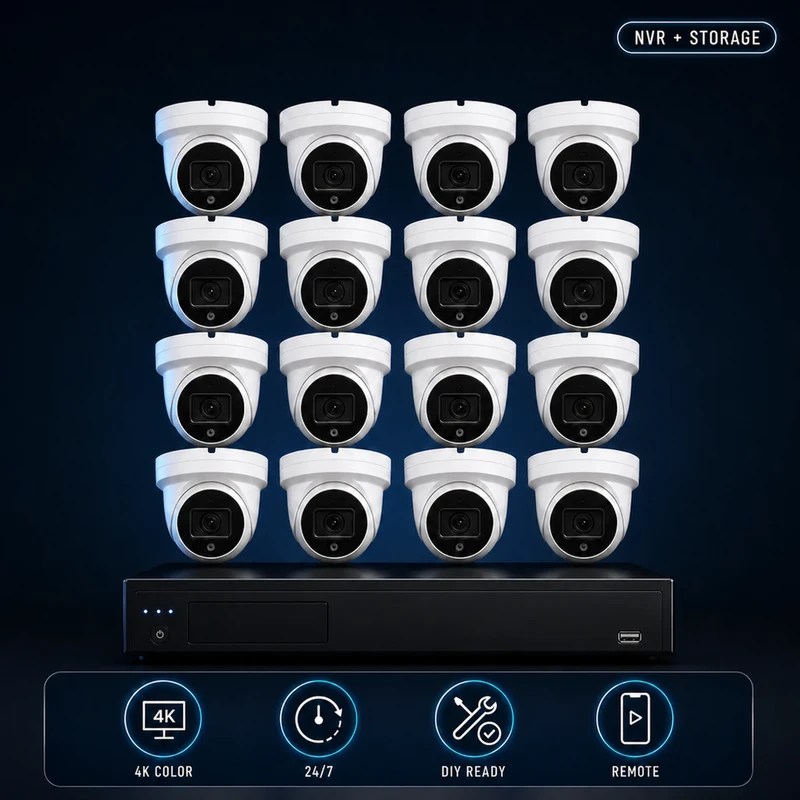
SecureView Standard™ 16 Camera Security System
$2,600.00$5,068.67
Frequently Asked Questions
Are wireless cameras good enough for businesses?
Wireless cameras may work for very small installations, but most businesses benefit from wired PoE systems because they offer greater reliability, continuous recording, and easier expansion.
How long should business footage be stored?
Many businesses retain footage for 30 to 90 days, depending on storage capacity, industry requirements, and company policy.
Can I monitor my business from my phone?
Yes. Modern NVR systems allow secure remote viewing, playback, and notifications through mobile apps.
Can security cameras help reduce employee theft?
Visible surveillance systems often discourage theft and provide valuable evidence when investigating inventory loss or policy violations.
Final Thoughts
A security camera system is more than just a collection of cameras—it’s an investment in the safety, accountability, and long-term success of your business. The right commercial surveillance system can help deter crime, document incidents, improve operations, and provide peace of mind whether you’re on-site or halfway around the world.
When choosing a system, prioritize reliability, image quality, and scalability. A professional 4K PoE solution with continuous recording and remote access will continue delivering value long after the initial installation.